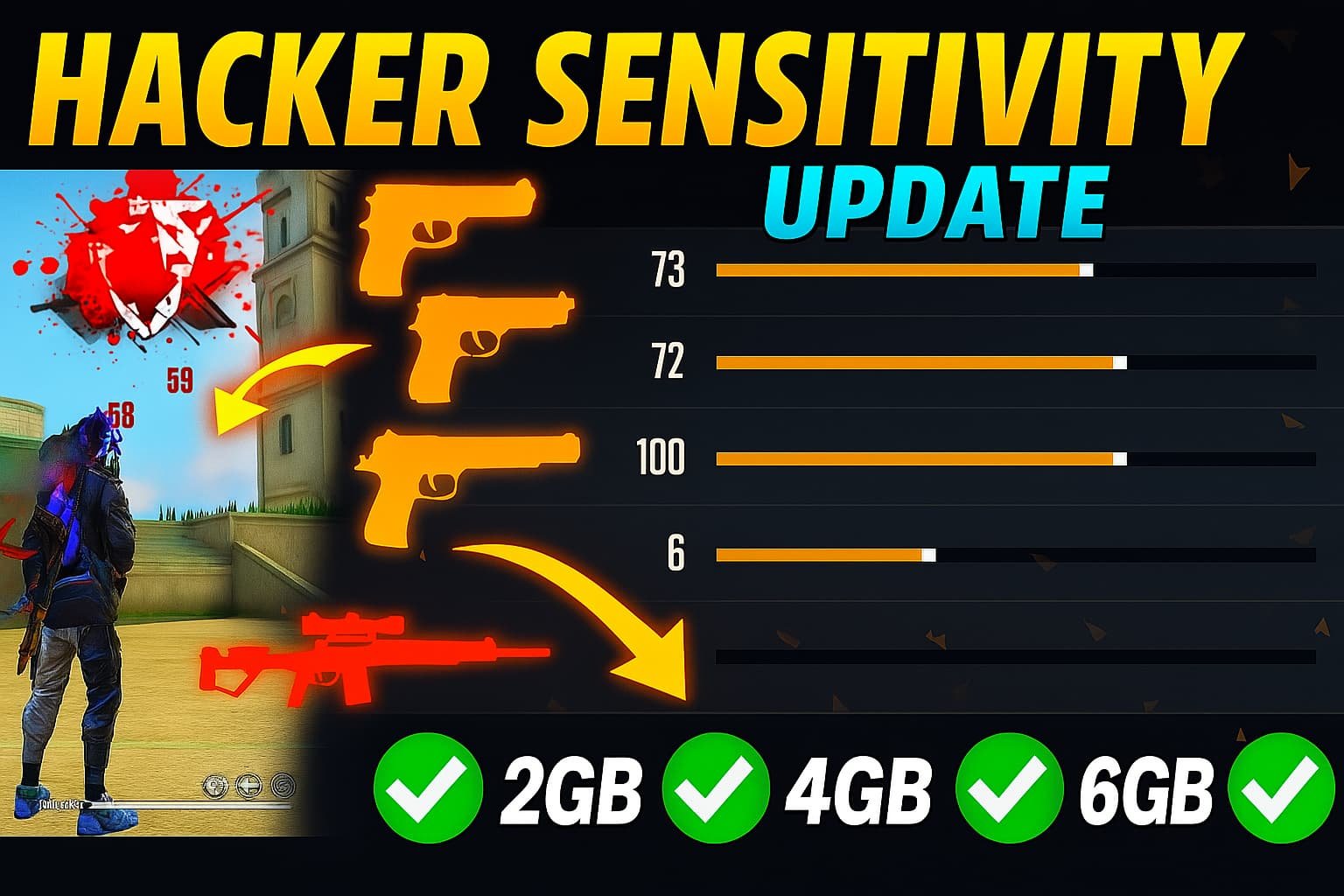
Free Fire has become more competitive and fast-paced with every update. Whether you’re grinding to reach Heroic tier, dominating in squad battles, or training to become a tournament player, one thing remains essential: perfecting your sensitivity settings.
In 2026, the skill gap between players often comes down to one factor — who can aim faster, react quicker, and land more headshots. That’s where sensitivity settings make the difference.
In this complete guide, we’ll break down the best Free Fire sensitivity settings, how to customize them based on your device and playstyle, and tips to help you become a pro-level aimer.
🎮 What Is Sensitivity in Free Fire?
Sensitivity in Free Fire refers to how responsive your aim and movement are when dragging your finger on the screen. There are multiple sensitivity sliders that control how fast your crosshair moves while aiming, scoping, or turning the camera.
A good sensitivity setup helps you:
- Land accurate headshots
- Respond faster in close-range fights
- Improve drag shots with SMGs or shotguns
- Control recoil with long-range weapons
📱 Best Sensitivity Settings (2026 Updated)
These values are optimized for both mid-range and high-end devices, and are especially effective for players who use drag headshot techniques:
| Sensitivity Type | Recommended Value |
|---|---|
| General | 95–100 |
| Red Dot | 90–100 |
| 2x Scope | 80–90 |
| 4x Scope | 75–85 |
| Sniper Scope (AWM) | 50–60 |
| Free Look | 100 |
🧠 Pro Tip: Start with these values and adjust slightly depending on your device’s screen size and touch response.
🧠 What Each Sensitivity Setting Does
- General: Affects movement and camera when you’re not using any scope. Most important for close combat and drag headshots.
- Red Dot: Controls aim speed while using Red Dot Sight. Crucial for mid-range accuracy.
- 2x Scope / 4x Scope: Adjusts aim movement while using respective scopes. Important for rifle users and long-distance control.
- AWM Scope: Lower sensitivity allows precise sniper shots with bolt-action rifles.
- Free Look: Affects the small camera control button — keep it at 100 for full visibility during rotations.
🧪 Testing & Adjusting Sensitivity (Step-by-Step)
- Go to Training Grounds (Practice Mode)
- Practice headshots on stationary and moving dummies.
- Use a variety of weapons: MP40, M1887, SCAR, AWM.
- Use Drag Shot Training
- Try dragging from the body to the head.
- If the crosshair goes above the head — reduce sensitivity.
- If it stays too low — increase sensitivity.
- Try Different Guns
- Test SMGs for fast drag shots.
- Use ARs for mid-range tracking.
- Try shotguns for flick accuracy.
- Adjust Gradually
- Don’t change too many values at once.
- Fine-tune until you consistently land red damage (headshots).
🧱 Recommended Sensitivity for Different Playstyles
🔫 Rusher Sensitivity (Shotguns & SMGs)
- General: 100
- Red Dot: 95
- 2x Scope: 90
- 4x Scope: 80
- AWM: 50
Great for fast players who fight close and rely on quick flicks and Gloo Wall placement.
🥷 Balanced Sensitivity (ARs & Versatile Loadout)
- General: 95
- Red Dot: 90
- 2x Scope: 85
- 4x Scope: 80
- AWM: 55
Ideal for ranked players who switch between mid-range and aggressive play.
🎯 Sniper Sensitivity (AWM, M82B)
- General: 90
- Red Dot: 80
- 2x Scope: 70
- 4x Scope: 65
- AWM: 45–50
Helps with precision and scope control when aiming at long-distance enemies.
🧰 Extra Pro Tips for Better Aiming
- Use “Precise on Scope” instead of “Default” aim in settings.
- Disable Aim Assist in Training Mode to improve raw skills.
- Play with 3-finger or 4-finger claw setup for more control.
- Adjust button layout (HUD) so the fire and scope buttons are easy to reach.
- Practice jump + drag + Gloo Wall combos to win close fights.
❗ Warning: Device Sensitivity Varies
Not all phones or tablets respond the same way. Your touch latency, screen size, and FPS (frames per second) can affect how sensitivity feels.
- Low-end devices: Use slightly lower sensitivity to avoid skipping.
- High-end devices (90–120 FPS): You can use maxed settings for faster response.
- Tablet players: Adjust Red Dot and Scopes lower to compensate for large screen drag.
🧠 Always train before ranked matches after adjusting settings!
✅ Final Thoughts
The best sensitivity in Free Fire isn’t just about numbers — it’s about understanding how they work and customizing them for your own playstyle. Whether you’re a rusher, sniper, or tactical player, getting your sensitivity just right is the key to landing more headshots, reacting faster, and dominating matches.
🔥 Start with the pro settings above, test in Training Grounds, and fine-tune until you become unstoppable.
Because in Free Fire 2026, precision = victory.
