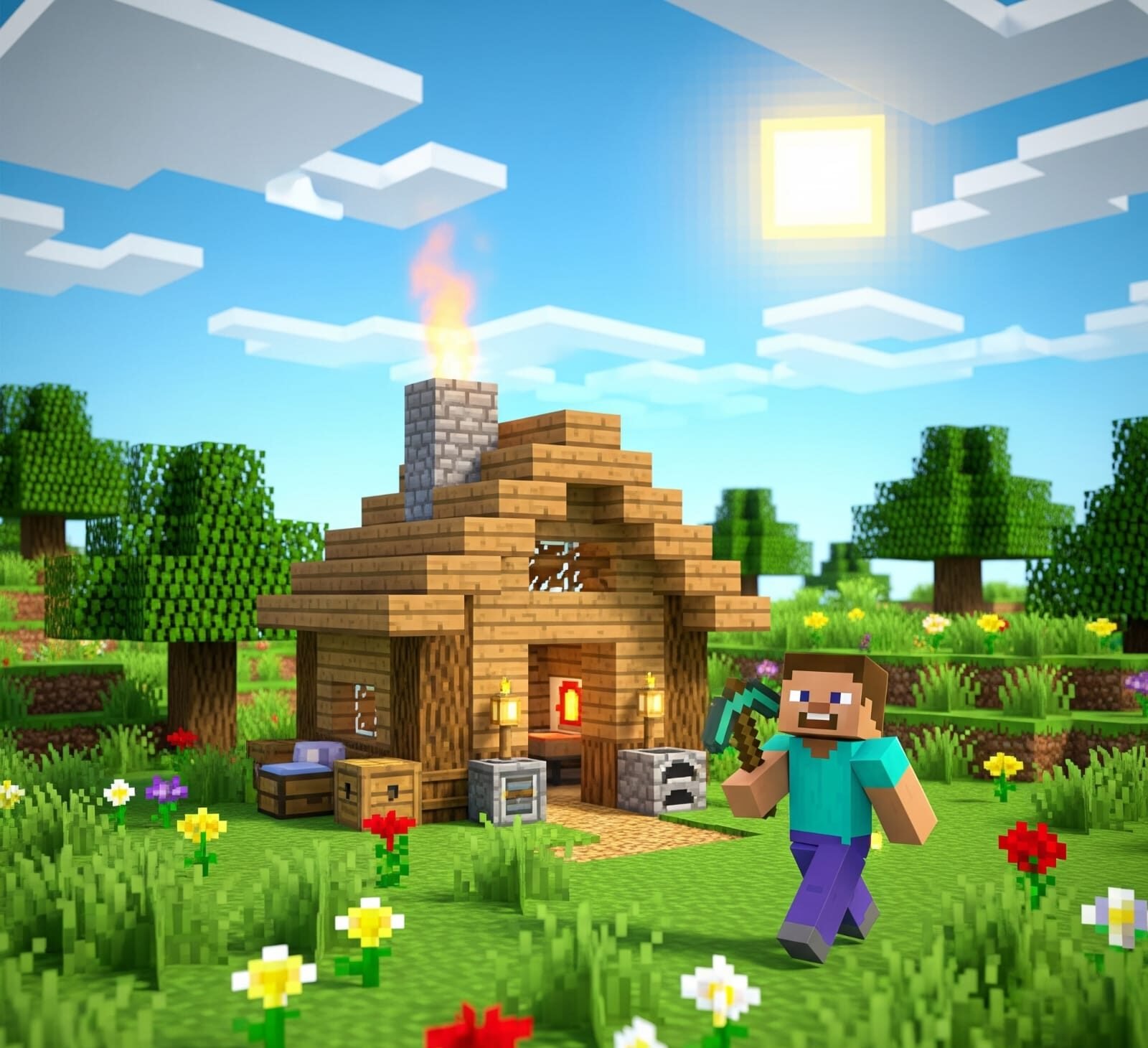
Minecraft is one of the most open-ended games ever made. You can build cities, fight monsters, craft tools, explore endless worlds, and survive in extreme environments. But even if you’ve played for years, there’s a good chance you don’t know everything the game allows you to do.
From obscure mechanics and clever tricks to game-changing hidden features, Minecraft is packed with surprises. In this guide, we’ll explore a list of things you probably didn’t know you could do in Minecraft — many of which can make your gameplay smarter, more creative, or just more fun.
🧟♂️ 1. Cure a Zombie Villager and Get Massive Discounts
Did you know you can turn a zombie villager back into a normal villager?
How:
- Find a Zombie Villager (usually at night or from a village raid).
- Splash them with a Potion of Weakness.
- Feed them a Golden Apple.
- Wait 2–5 minutes — you’ll hear sound effects and see red particles.
Once cured, they will offer huge trading discounts, especially if you saved them from a raid.
🧠 Bonus tip: Trap them before curing so they don’t burn in daylight!
🔥 2. Beds Explode in the Nether and End – Use Them in Combat
Trying to fight the Ender Dragon or a Wither boss?
Placing a bed in the Nether or End and trying to sleep will cause an explosion — and clever players use this as a powerful weapon.
How to use:
- Place a block between you and the bed.
- Right-click the bed and back away quickly.
- Boom — massive damage!
🧠 Pro tip: Use obsidian to protect yourself and control the explosion.
📦 3. Make Hidden Storage Under a Painting
Paintings can be used as secret doors or passageways — and you can hide chests or entire rooms behind them.
How:
- Place two signs on the wall (or any non-solid block).
- Place a painting on top — it will float across the signs.
- Walk through if there’s an opening behind!
🧠 Combine this with pressure plates or Redstone for secret base entrances.
🧳 4. Carry Infinite Loot With Shulker Boxes
Found in End Cities, Shulker Boxes are one of the most useful tools in Minecraft.
You can:
- Store up to 27 items per box.
- Place them inside your inventory or Ender Chest.
- Break and carry them without losing their contents.
🧠 With 27 boxes inside your Ender Chest, you can carry hundreds of items on the go!
🧠 5. Use Name Tags for Easter Eggs and Fun Effects
Rename a Name Tag on an Anvil and use it on mobs for some hilarious effects:
DinnerboneorGrumm: turns the mob upside-down.jeb_: makes a sheep cycle through rainbow colors (but still drops normal wool).Johnny: makes vindicators attack any mob in sight.
🧠 Great for pranks or creating funny pets!
🌙 6. Set a Spawn Point in the Nether With a Respawn Anchor
Beds don’t work in the Nether, but a Respawn Anchor lets you set a respawn point there!
How:
- Craft it using Crying Obsidian + Glowstone.
- Charge it with Glowstone (up to 4 charges).
- Right-click to set your Nether spawn.
🧠 Essential for Nether explorers or base-builders.
🎮 7. Use Trapdoors to Crawl Through One-Block Spaces
Want to sneak through a one-block-high tunnel? You can!
How:
- Place a trapdoor above or beside you.
- Flip it to force your player into crawl position.
- Crawl through spaces you couldn’t otherwise enter.
🧠 Use this to create secret vents, spy tunnels, or hidden escape routes.
🔄 8. Turn Cobblestone into Lava With Dripstone & Lava Cauldrons
Minecraft now lets you create infinite lava sources using Dripstone!
Steps:
- Place a Lava source block above a Pointed Dripstone.
- Place a Cauldron beneath it.
- Wait — over time, the lava will drip and fill the cauldron.
🧠 Combine this with hoppers and buckets for a renewable fuel source!
🧱 9. Use F3 + B to See Mob Hitboxes and Facing Direction
In Java Edition, pressing F3 + B shows all entity hitboxes and their facing direction.
Use this for:
- More accurate archery or sword attacks.
- Lining up mobs for farms or traps.
- Understanding mob behavior.
🧠 Especially useful for mob grinders or when building Redstone farms.
🎵 10. Make Custom Music With Note Blocks
Note Blocks can play instruments depending on the block placed underneath them.
Examples:
- Grass block = piano
- Glass = clicks
- Clay = flute
- Bone block = xylophone
- Glowstone = electric guitar
🧠 Create your own music, doorbells, or sound effects in creative worlds!
🏁 Final Thoughts
Minecraft is much more than just mining and crafting. It’s filled with hidden mechanics, clever tricks, and secret features that most players overlook — even after years of playing.
Whether you’re a survival expert, Redstone genius, or creative builder, these “did-you-know” tricks will help you explore the game in new and surprising ways.
🎯 Try them out, share them with friends, and keep discovering. Because in Minecraft, the possibilities are truly endless
