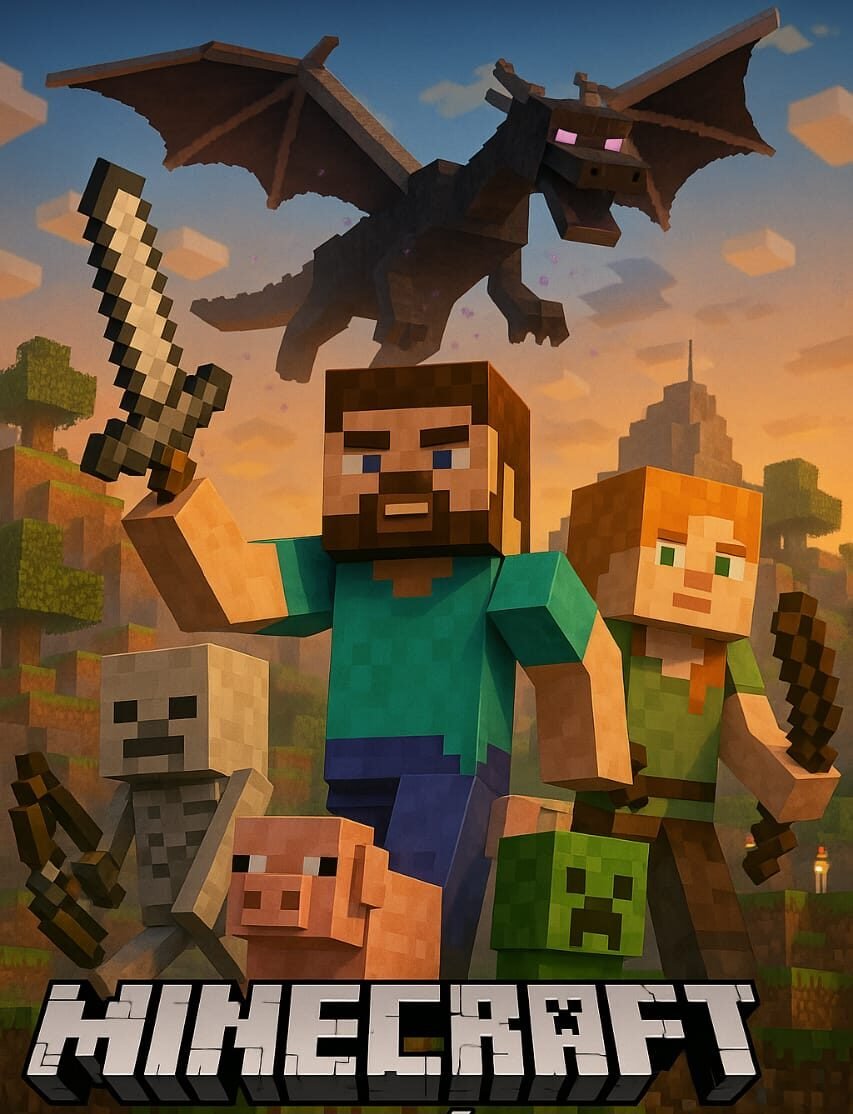
Minecraft is one of the most popular video games of all time. Its open world, full of adventure, construction, survival, and creativity, has won over millions of players around the world. However, many users are looking for ways to download Minecraft for free to try it before buying, or simply out of curiosity. In this guide, we explain the legal and safe options for getting Minecraft without paying, without risking the security of your device.
- Download Minecraft for free from the official trial version
Mojang, the developer of Minecraft, offers a free trial version on its official website. This is the safest and most recommended way to play for free for a limited time. To do so, follow these steps:
Go to the official website: https://www.minecraft.net
Click on «Free Trial.»
Choose your platform (Windows, Android, PlayStation, etc.).
Download the installer and follow the installation steps.
Enjoy the demo version for a limited time (usually 90 minutes of gameplay).
This version allows you to explore the game without serious restrictions, ideal for deciding whether it’s worth purchasing the full edition.
- Minecraft Education Edition: Another Free Alternative
Another option that many aren’t aware of is Minecraft Education Edition, a version designed for educational institutions, but accessible to many users with school accounts. This edition is available for free or with a trial at several schools, colleges, and universities. To access:
Go to https://education.minecraft.net
Sign in with your institutional email.
Download the corresponding version.
Enjoy the educational features, which also include survival and building.
It’s a perfect option for students and teachers, as well as a legal and safe way to use Minecraft at no cost.
- Minecraft Classic: Play for Free in Your Browser
Mojang also released Minecraft Classic, an older version of the game that you can play from any browser without installing anything. It’s a very basic version, but free and entertaining. All you have to do is this:
Go to: https://classic.minecraft.net
Enter your player name.
Start building in a limited but completely free world.
Although it doesn’t have all the modern features, it’s ideal for nostalgic people or those who want a quick experience.
- Is it safe to download Minecraft for free from unofficial sites?
It’s important to be careful with sites that promise to download Minecraft Premium for free, as many contain viruses, corrupted files, or malware. Some can even steal your information. Therefore, we recommend:
Do not download APKs or executable files from unknown websites.
Avoid license-generating programs or cracks.
Do not enter your personal information on suspicious websites.
If you decide to look for unofficial alternatives, remember that doing so carries risks, both legally and for your device. It’s always better to opt for the legal versions or save up for the full edition.
- Final Tips
If you like the game after your trial, you can purchase Minecraft from its official website or authorized retailers.
The purchase is a one-time purchase, and you’ll receive free updates for life.
In addition, by purchasing the game, you directly support its developers and future updates.
Conclusion
Downloading Minecraft for free is possible if you use legal means, such as the official demo, the educational edition, or Minecraft Classic. These options are not only safe, but they also allow you to enjoy the Minecraft universe without putting your computer at risk or breaking any rules. If the game captivates you (and it most likely will), consider purchasing the full version to enjoy its full potential without limits.

Hi, this is a comment.
To get started with moderating, editing, and deleting comments, please visit the Comments screen in the dashboard.
Commenter avatars come from Gravatar.